Guide · 6 min read
How to record Zoom meetings without permission
You were on an important Zoom call, the host didn't enable recording, and now you're trying to piece together what was decided from memory. Most guides suggest third-party screen recorders or meeting bots, but Zoom is cracking down on both in 2026.
Why Zoom recording permissions exist
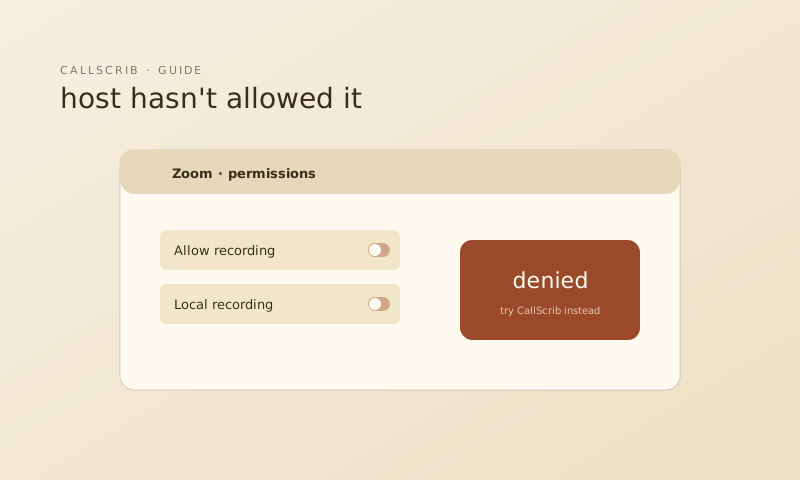
Zoom restricts recording to the host and users the host explicitly grants permission to. This protects participant privacy and helps organizations comply with consent laws. In many US states and EU countries, recording a conversation without all parties' consent is illegal.
Zoom is blocking meeting bots too
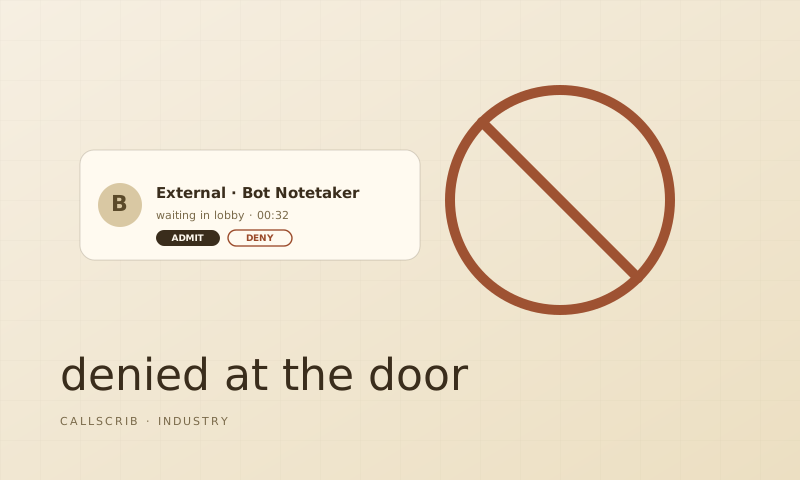
Zoom has joined Microsoft and Google in restricting third-party bots from joining meetings. Bot-based notetakers like Fireflies, Otter, and Fathom are increasingly being blocked or flagged. If your organization or the host has disabled third-party bot access, these tools simply won't work. This mirrors what's happening in Microsoft Teams — see why bot notetakers keep getting banned.
The alternative: AI summaries without recording
The CallScrib desktop app for macOS and Windows runs locally on your machine. It detects when you're in a Zoom call, processes the audio locally, and generates a structured AI summary when the call ends. No bot joins. Nothing is visible to other participants. No recording file is created.
What you get instead of a recording
A recording gives you a long audio or video file you'll never re-watch. CallScrib gives you a structured summary: title, key discussion points, decisions made, action items with owners, and next steps. You can also ask follow-up questions about the meeting in natural language.
How to set it up
Download the CallScrib desktop app at callscrib.com/download. Install it on macOS or Windows. Sign in. The next time you join a Zoom call, CallScrib detects it automatically and delivers a summary when the call ends. Works with Zoom, Google Meet, Microsoft Teams, Webex, and any browser-based meeting.
The AI notetaker built for Microsoft Teams. No bot in your meetings. 7 meetings per month free, no credit card.
Frequently Asked Questions
Can I record a Zoom meeting without the host's permission?
Zoom restricts recording to hosts and authorized participants. Bypassing this is against Zoom's terms and potentially illegal. Use a transcript-based AI tool like CallScrib instead.
Do meeting bots still work with Zoom in 2026?
Zoom is increasingly blocking third-party bots. Many organizations and hosts have disabled bot access entirely. Local desktop tools like CallScrib work without joining the meeting as a bot.
Does CallScrib work with Zoom's free plan?
Yes. The CallScrib desktop app works with any Zoom plan. It doesn't require any Zoom integration or permissions.