Guide · 6 min read
How to record Teams meetings without permission
You need what was said in a Teams meeting, but you weren't the organizer, didn't have recording permissions, or simply forgot to hit record. Most results suggest shady screen recorders or bots that join your call. In 2026, those approaches are either getting blocked, legally risky, or both. There's a better way.
Why you can't just record a Teams meeting
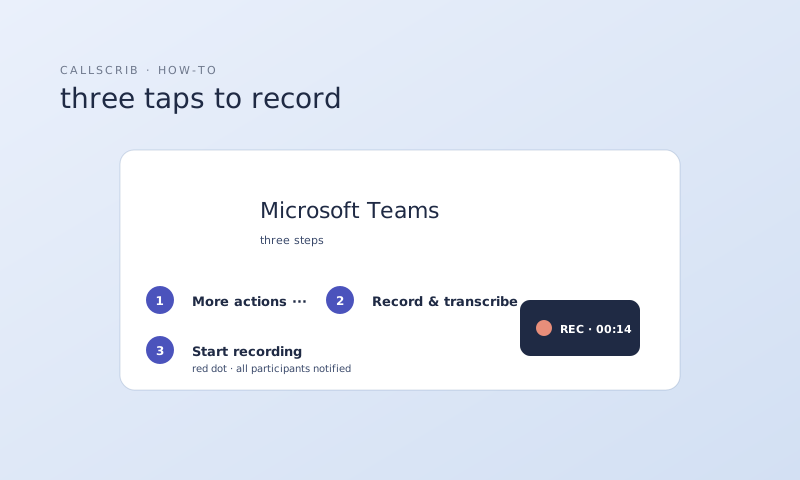
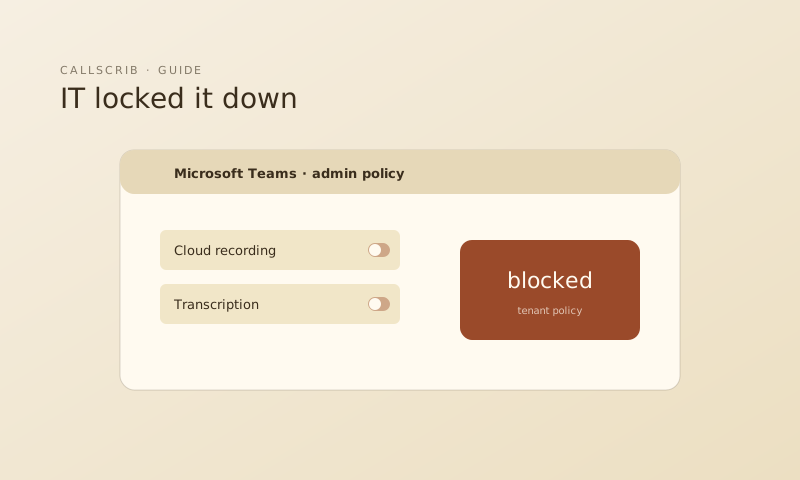
Microsoft Teams restricts meeting recording to organizers and users with the right admin policy. If your admin hasn't enabled recording for your role, the Record button doesn't show up. This is by design. Recording captures audio and video of participants, which raises serious consent and compliance issues. In two-party consent states like California, Illinois, and Pennsylvania, recording without everyone's knowledge is illegal. The EU's GDPR has similar requirements.
Why meeting bots are no longer an option
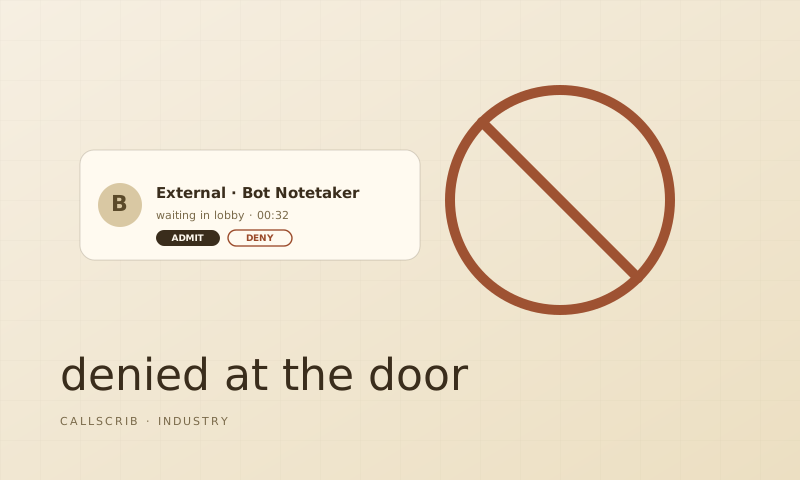
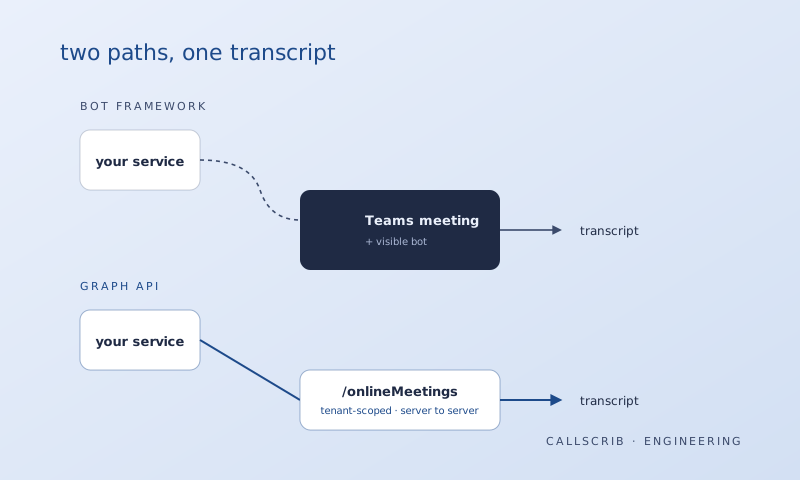
Until recently, apps like Fireflies, Otter, and Fathom could join your Teams meeting as a bot to capture audio. Starting mid-2026, Microsoft is flagging third-party bots as "Suspected threats" in the meeting lobby. Admins can block them entirely. Google Meet and Zoom are rolling out similar restrictions. Bot-based recording is a dead end. Read more about why bot notetakers keep getting banned and the technical difference between Graph API and bot approaches.
The transcript approach: no recording needed
Here's what most people don't realize: Microsoft Teams already generates a text transcript of every meeting when transcription is enabled by your admin. This transcript captures who said what, with timestamps, without any audio or video recording. AI tools can read this transcript after the meeting ends and produce a structured summary with decisions, action items, and next steps.
How CallScrib turns transcripts into summaries
CallScrib reads the transcript that Teams generates. No bot, no recording, no screen capture. Within 60 seconds of a meeting ending, it posts a structured summary directly into the Teams chat: title, executive summary, decisions, action items with owners, and next steps. It covers both video meetings and phone calls.
What about meetings where transcription isn't enabled?
If your admin hasn't enabled transcription yet, the CallScrib desktop app for macOS and Windows provides an alternative. It runs locally on your computer and captures meeting audio from any platform. No bot joins the call. Nothing is visible to other participants.
The legal bottom line
Don't secretly record meetings. It's legally risky and unnecessary. Instead, ask your admin to enable Teams transcription. It's built into Teams at no extra cost. Pair it with an AI summarizer like CallScrib, and you'll never miss a decision or action item again. No recording permissions needed.
The AI notetaker built for Microsoft Teams. No bot in your meetings. 7 meetings per month free, no credit card.
Frequently Asked Questions
Can I record a Teams meeting without the organizer knowing?
Recording without consent is illegal in many jurisdictions. A better approach is to use Teams' built-in transcription, which your admin can enable for the entire organization. AI tools like CallScrib can then summarize the transcript automatically.
What happens if transcription is not enabled in my organization?
Ask your M365 admin to enable it. It's a one-time setting change. Alternatively, the CallScrib desktop app can capture and summarize any meeting from your computer without requiring admin permissions.
Is a meeting transcript the same as a recording?
No. A transcript is text only. It captures what was said, not audio or video. It's less invasive and avoids many of the legal concerns around meeting recording.
Do other participants know when transcription is on?
Yes. Teams shows a notification banner when transcription is active. This is by design for transparency and compliance.