Guide · 5 min read
How to record Webex meetings without permission
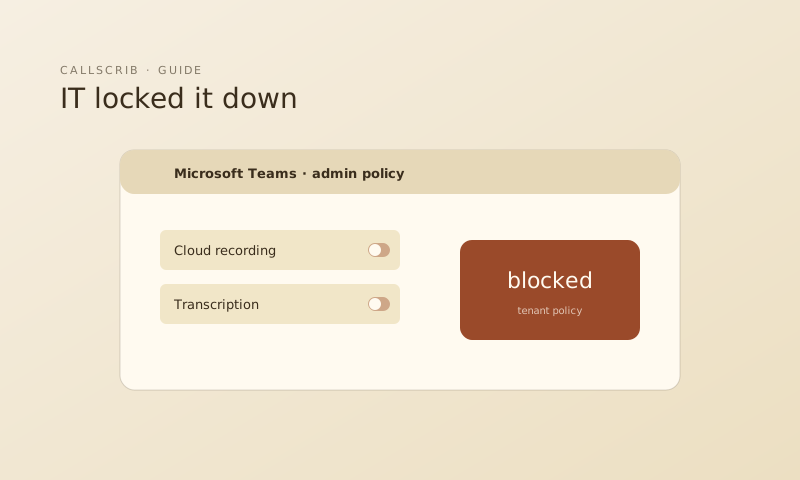
Webex meeting recording is controlled by the host and your organization's admin. If you're a guest or your admin hasn't enabled recording for your role, you're stuck. Bot-based notetakers are getting restricted across all platforms in 2026, Webex included.
Webex recording restrictions
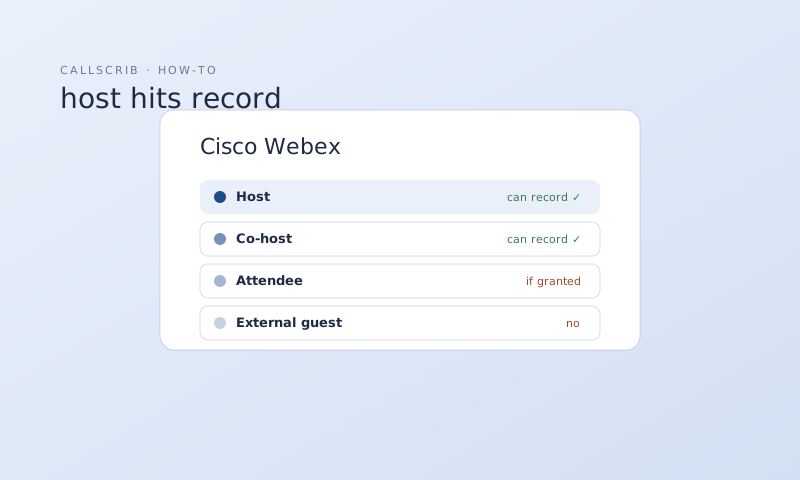
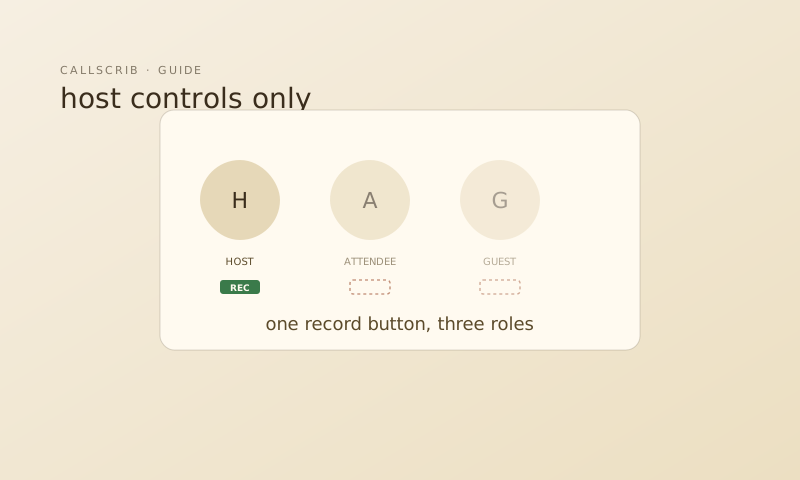
In Cisco Webex, only hosts and co-hosts can record meetings by default. Attendees need explicit permission. Enterprise admins can restrict recording further through site administration policies. If you're joining as an external guest, recording is almost never available to you.
The bot-free alternative
The CallScrib desktop app for macOS and Windows detects Webex meetings automatically. It processes the conversation locally on your machine and generates an AI summary when the call ends. No bot joins. No recording file is created. No Webex integration or permissions needed.
What you get
Within 60 seconds of your Webex meeting ending, CallScrib delivers a structured summary: meeting title, key discussion points, decisions made, action items with owners, and next steps. You can also ask follow-up questions about the meeting later.
The AI notetaker built for Microsoft Teams. No bot in your meetings. 7 meetings per month free, no credit card.
Frequently Asked Questions
Can attendees record Webex meetings?
Only if the host grants permission. By default, only hosts and co-hosts can record. CallScrib's desktop app doesn't require recording permission.
Does CallScrib integrate with Webex?
No integration needed. The desktop app works at the system level and detects Webex meetings automatically.